> For the complete documentation index, see [llms.txt](https://shopifytemplates.gitbook.io/aurora-os2.0/llms.txt). Markdown versions of documentation pages are available by appending `.md` to page URLs; this page is available as [Markdown](https://shopifytemplates.gitbook.io/aurora-os2.0/other-pages/team.md).
# Team
{% hint style="info" %}
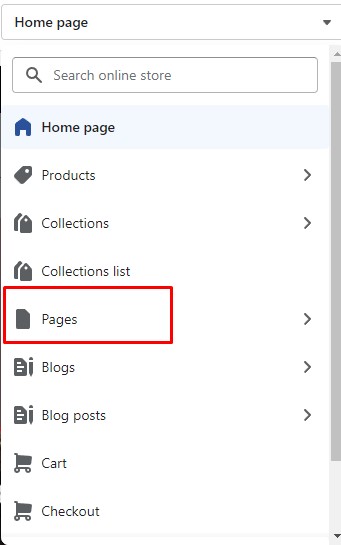
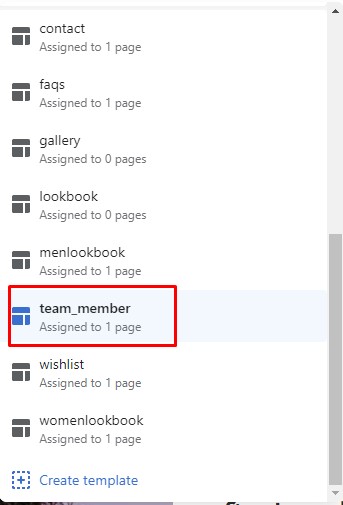
1. In the theme editor (**Customize**), open the template selector
2. Select **Pages**, then **tema\_member**
{% endhint %}
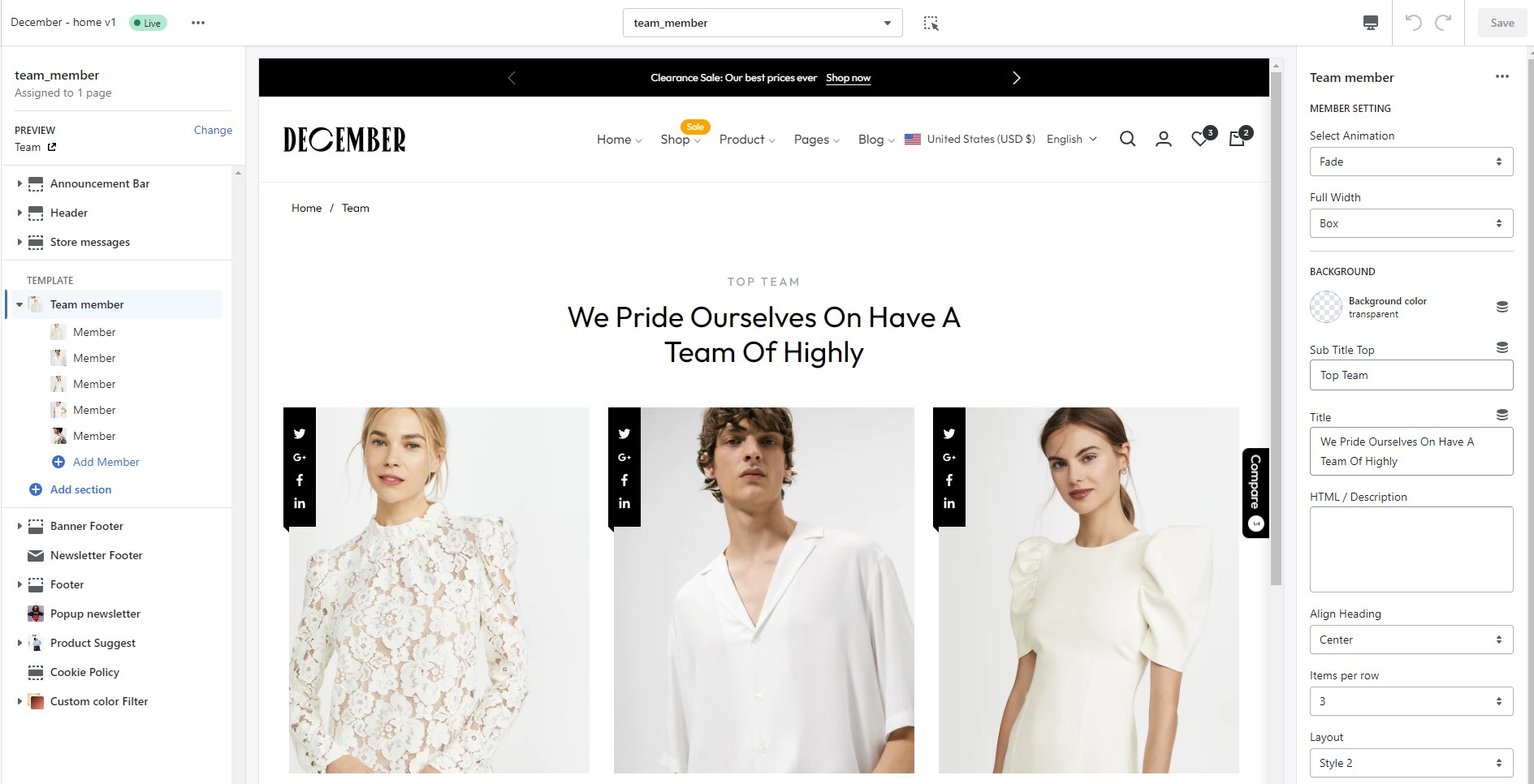
You can add any section that is listed in Theme sections.
### How to active page?
{% hint style="info" %}
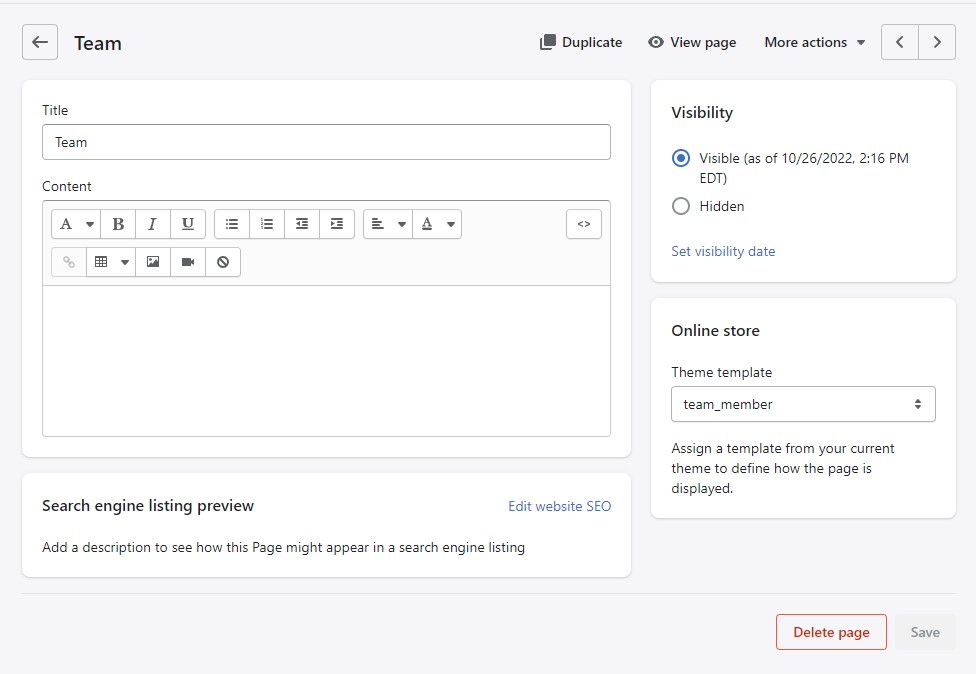
1. From your Shopify admin, go to **Online Store** **->** **Pages.**
2. Click **Add page**.
3. Enter a title. After that, choose the **Theme template** like the below image.
4. Click **Save**.
{% endhint %}