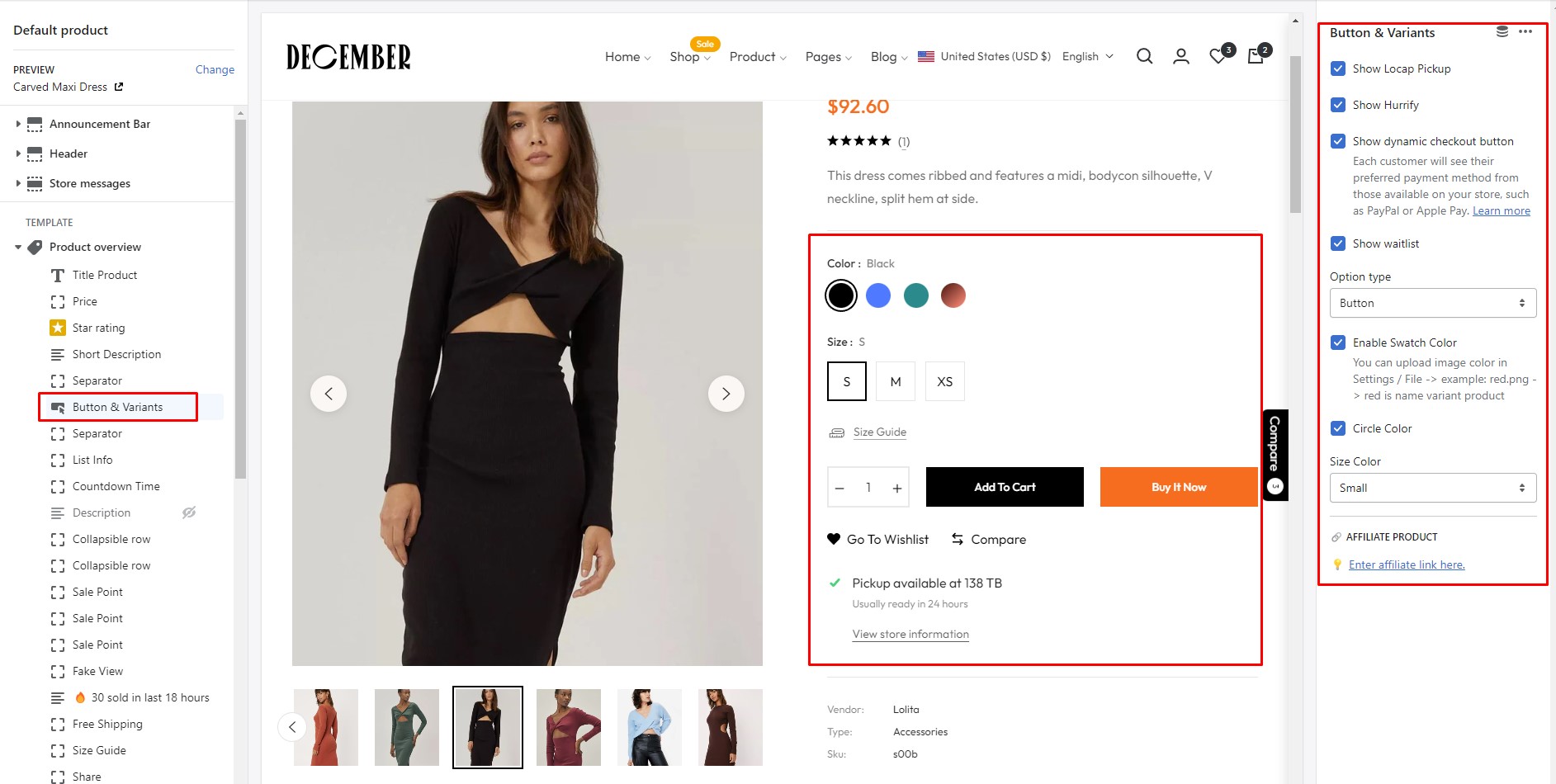
Button & Variants

circle-info

In Product overview > Add Button & Variants

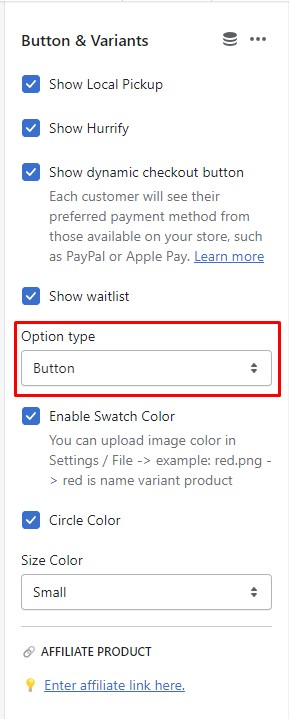
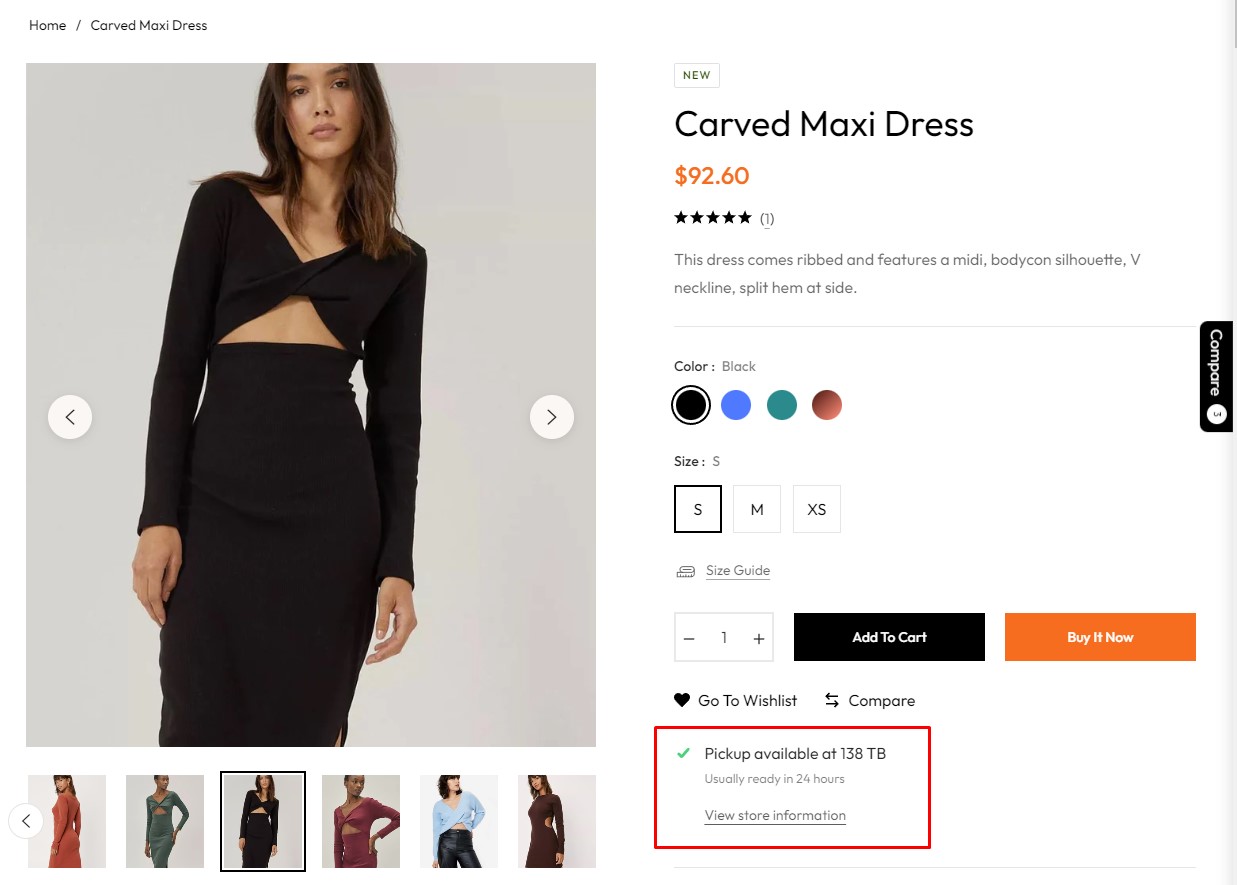
Show Local Pickup
Show Hurrify

Show dynamic checkout button

circle-info

Each customer will see their preferred payment method from those available on your store, such as PayPal or Apple Pay. Learn morearrow-up-right

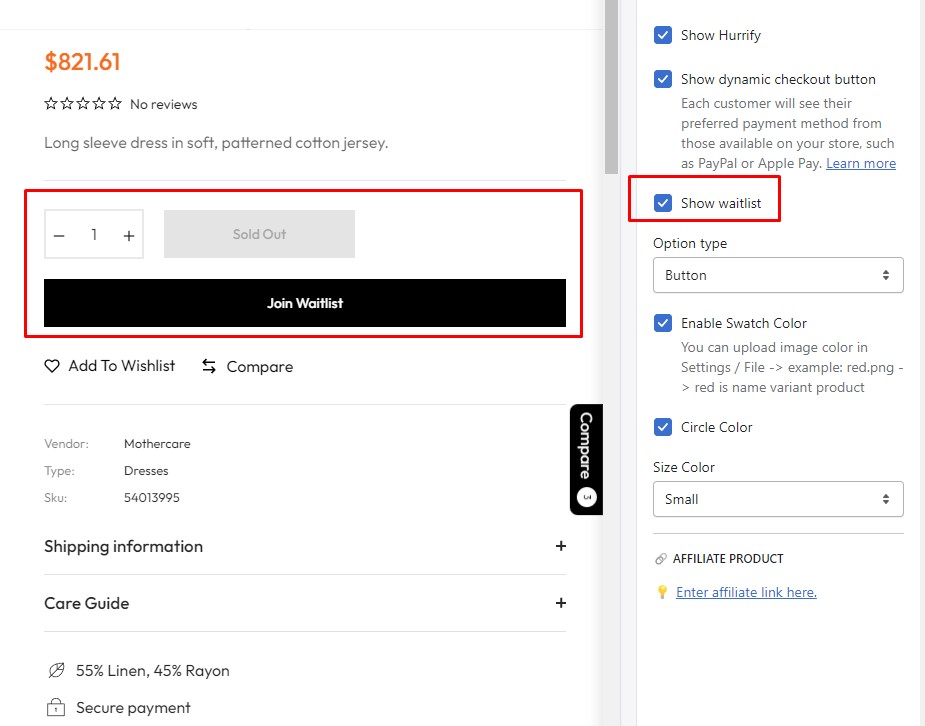
Show waitlist

When product is sold out it will show, You can disable /enable Waitlist
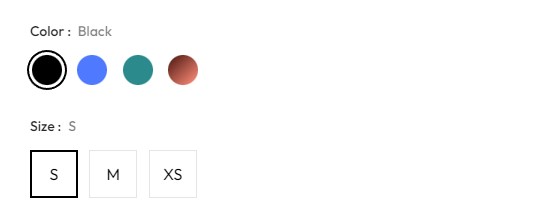
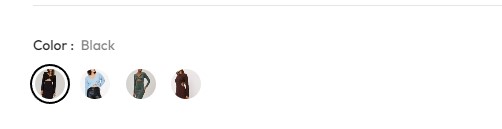
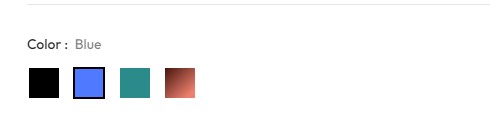
Style Variant
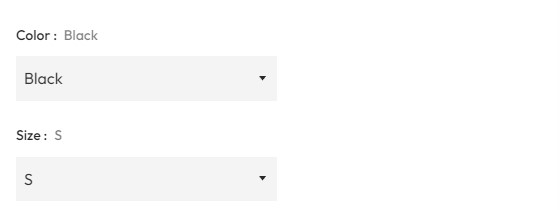
Swatch Color & Circle Color

Size Color

🔗 Affiliate product
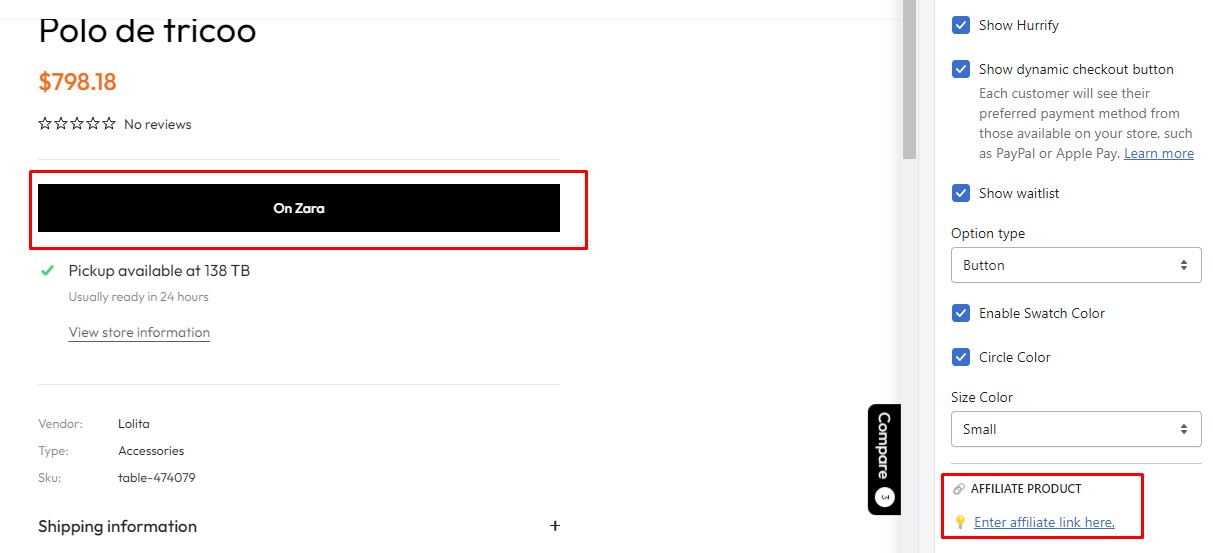
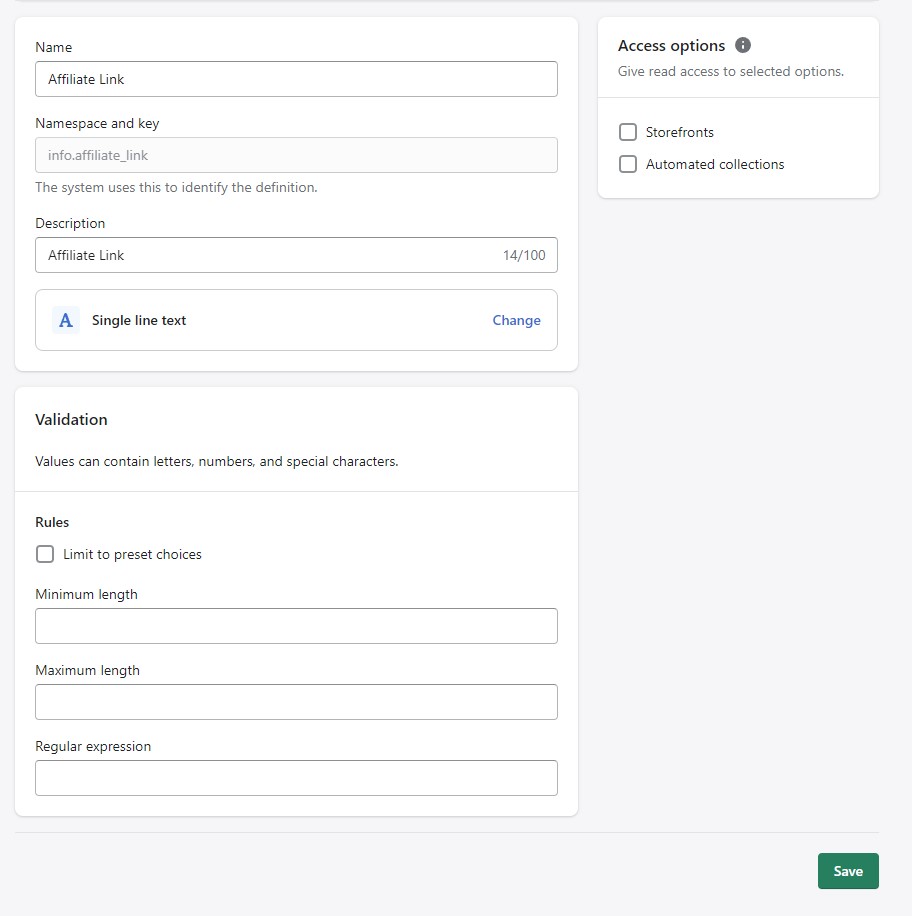
Setup Affiliate by Metafields?
circle-info
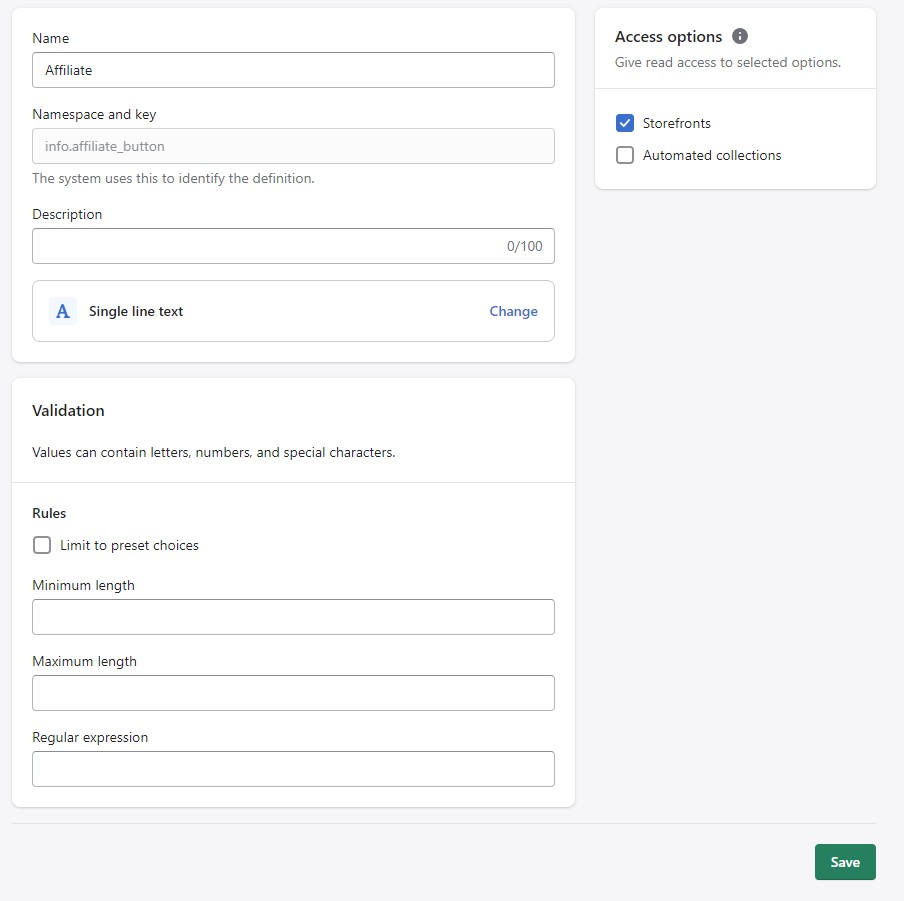
  1. From your Shopify admin, go to Settings -> Custom data

  2. Click Products → Add Definition.

  3. Please enter correct Namespace and Key as we noted below.

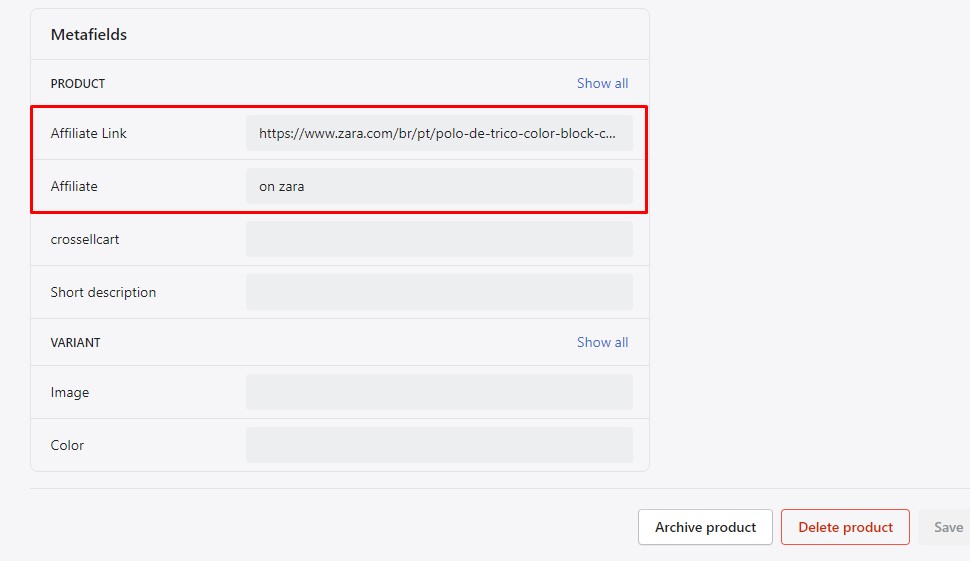
How to insert content for Product Metafields?
circle-info
  • From your Shopify admin, go to Products -> All products.

  • Find and choose the product that you want to edit.

  • In the Metafields, please insert content for "Affiliate" field.